

How to Use Honey and Similar Browser Extensions to Save Money Automatically
Leaving money on the table at checkout is surprisingly easy — not because deals don't exist, but because finding and applying them takes time most shoppers don't have. Automatic coupon extensions like Honey solve this by doing the grunt work in the background, testing promo codes the moment you're about to pay. This guide walks you through exactly how to use them, which alternatives are worth your attention, and how to combine tools for the biggest possible discount.
What Are Automatic Coupon Extensions and How Do They Work?
Automatic coupon extensions are free browser add-ons that detect when you reach a retailer's checkout page and automatically test available coupon codes on your behalf. Instead of opening a new tab and hunting through deal sites, the extension runs through its database of promo codes in seconds and applies the one that saves you the most.
The mechanism is straightforward. Once installed, the extension monitors your browsing for known retailer checkout URLs. When it recognizes one, it activates — usually showing a small popup or button. Behind the scenes, it submits coupon codes one by one into the discount field, checks whether the order total drops, and keeps the winning code. The whole process typically takes under 30 seconds.
Most extensions also offer cashback rewards as a secondary feature, crediting a percentage of your purchase back to your account after the order ships. This turns a single checkout into two potential savings opportunities.
How to Install and Set Up Honey (Step-by-Step)
Installing Honey takes about two minutes and works on Chrome, Firefox, Edge, and Safari. Here's the exact process:
- Go to joinhoney.com or search "Honey extension" in your browser's extension store (Chrome Web Store, Firefox Add-ons, etc.).
- Click "Add to [Browser]" and confirm the installation prompt. The Honey icon — a small orange hexagon — will appear in your browser toolbar.
- Click the icon and select "Sign Up" to create a free account. You can use an email address or log in with Google or PayPal. An account is required to track your Gold rewards (Honey's cashback currency).
- Browse to any supported online store and add items to your cart as usual. Honey runs passively — you don't need to configure anything else.
- Optionally, visit the Honey dashboard to enable price drop alerts for saved items and check which retailers offer Gold cashback before you shop.
Honey is owned by PayPal, so if you already have a PayPal account, linking them lets you redeem Gold rewards directly as PayPal cash.
Using Honey at Checkout — What to Expect
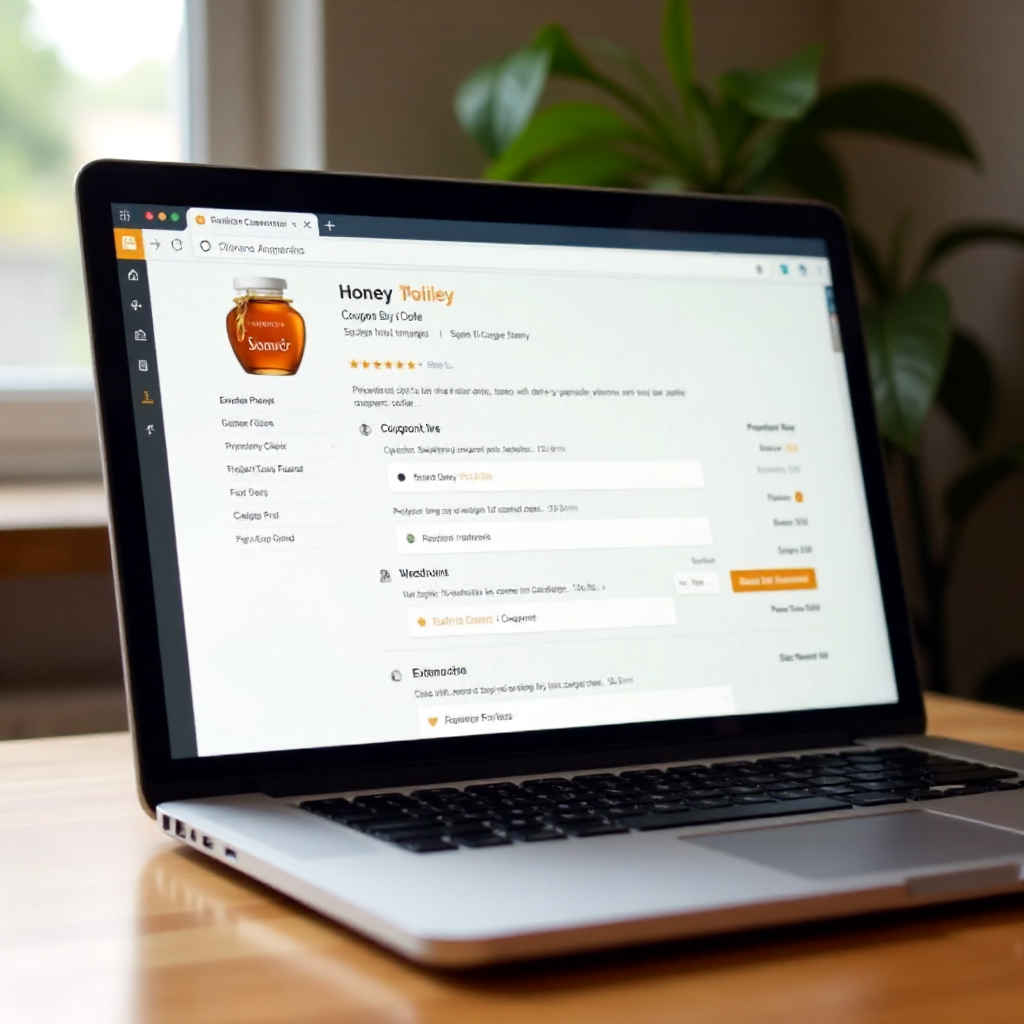
When you reach a supported retailer's checkout page, Honey activates automatically and displays a button or banner near the coupon code field. Here's what the experience looks like in practice:
A yellow "Honey" button appears, usually labeled something like "Apply Coupons." Clicking it opens a small panel showing how many codes Honey is testing. You'll see a progress indicator as it cycles through codes — this usually takes 10–20 seconds depending on how many codes are in its database for that retailer.
If a working coupon code is found, Honey applies it and shows you the savings amount before you confirm. If multiple codes work, it keeps the one with the highest discount. If nothing works, it tells you clearly — no codes found — so you're not left wondering.
One honest caveat: Honey's code database varies significantly by retailer. Major stores like Amazon, Walmart, and Target tend to have solid coverage. Smaller or niche online stores may return zero results simply because Honey hasn't indexed many codes for them.
Top Honey Alternatives Worth Installing
Honey isn't the only extension worth having — several competitors cover different retailers, offer better cashback rates, or find codes Honey misses. The three most useful alternatives are:
- Capital One Shopping — Tests coupon codes similarly to Honey and also compares prices across retailers. You don't need a Capital One account to use it, which makes it accessible to everyone. It tends to surface codes on some mid-size retailers that Honey overlooks.
- Rakuten — Focuses more heavily on cashback than coupon codes, partnering with thousands of retailers to offer percentage-back rewards. Rakuten's cashback rates are often higher than Honey Gold for the same store, and it pays out quarterly via PayPal or check.
- CouponCabin — Combines a coupon extension with a cashback portal. Its browser extension notifies you when cashback is available at a store you're visiting, even if you didn't plan to shop there.
No single extension wins across every retailer. Running two side by side — say, Honey for coupon codes and Rakuten for cashback — is a common strategy among frequent online shoppers.
How to Stack Coupons and Cashback for Maximum Savings
Deal stacking means combining a coupon code discount with a cashback reward on the same purchase — effectively getting two separate discounts at once. Most extensions allow this, and it's one of the most underused savings strategies available.
Here's a practical approach: Before adding anything to your cart, activate your cashback extension first (like Rakuten) by clicking through to the retailer from the Rakuten portal or dashboard. This registers your session for cashback. Then shop normally, and when you reach checkout, let Honey or Capital One Shopping apply any available coupon codes. The cashback tracks on the post-discount total in most cases, so the coupon reduces what you pay and the cashback applies to that reduced amount.
You can layer further by adding store loyalty points or credit card rewards on top. A purchase that earns 8% Rakuten cashback, a 15% promo code, and 2x credit card points represents three simultaneous discounts on a single transaction — none of which required manual searching.
The one thing to watch: some retailers explicitly prohibit cashback stacking in their terms, and occasionally a coupon code will void cashback tracking. If a purchase is large enough to matter, check the retailer's cashback terms before completing the order.
Privacy Considerations — What These Extensions Can See
These extensions do collect browsing data, and understanding what they see is worth a few minutes of your time before installing. Most coupon extensions, including Honey and Capital One Shopping, need permission to read the content of pages you visit — that's how they detect checkout pages and inject coupon codes.
In practical terms, this means the extension can see which websites you visit and, on checkout pages, details like your cart contents and order total. Honey's privacy policy (available on their site) states they collect browsing history on partner retailer sites and use it to improve their coupon database and serve personalized offers.
What they generally don't store: your payment card numbers, passwords, or sensitive form fields. Most reputable extensions explicitly exclude these from data collection.
If privacy is a significant concern, a reasonable middle ground is installing the extension but disabling it by default and only enabling it when you're actively shopping. All major browser extensions can be toggled on and off from the toolbar with a single click.
Tips to Get the Most Out of Coupon Extensions
A few habits separate shoppers who save consistently from those who get occasional results:
- Enable browser notifications for your extensions. Honey and Rakuten both send alerts when prices drop on items you've saved, which is more reliable than remembering to check manually.
- Check cashback rates before you shop, not after. Rates change frequently — a retailer offering 5% cashback today might drop to 1% next week. Two minutes of checking the Rakuten or Capital One Shopping dashboard before a larger purchase can make a real difference.
- Use multiple extensions for code testing. Honey and Capital One Shopping don't conflict with each other — run both, and whichever finds a better code wins.
- Don't skip smaller retailers. Extensions often have better coverage on mid-size specialty stores than on giants like Amazon, where seller pricing is more complex.
- If an extension finds no codes, check the retailer's own promotions page directly. Some stores use discount structures (bundle deals, free shipping thresholds) that coupon extensions don't interact with.
Frequently Asked Questions
Does Honey work on all online stores?
Honey supports over 30,000 retailers, but coverage varies. Major retailers like Best Buy, Nike, and eBay are well-supported. Very small or regional online stores may not be in Honey's database, meaning the extension simply won't activate on their checkout pages.
Is it safe to use Honey and similar extensions?
Generally yes, for reputable extensions available through official browser stores. Honey is owned by PayPal, Capital One Shopping by Capital One — both are established financial companies. The main consideration is data privacy rather than security risk. Read the privacy policy of any extension before installing if this matters to you.
Can I use more than one coupon extension at the same time?
Yes, and many experienced shoppers do. Honey and Capital One Shopping can run simultaneously without technical conflicts. The coupon code field on a checkout page can only hold one code at a time, so if both extensions activate, you'll see separate suggestions and can choose the better offer.
Why didn't the extension find any coupon codes for my order?
Several reasons are possible: the retailer isn't in the extension's database, all available codes have expired, or the store uses a discount system that doesn't involve standard promo code fields. Some retailers also periodically block automated code testing. Trying a second extension or searching a deal aggregator site manually are good fallbacks.
Do these extensions cost anything to use?
No. Honey, Capital One Shopping, Rakuten, and CouponCabin are all free to install and use. They generate revenue through affiliate commissions paid by retailers when a sale is completed — the retailer pays the extension, not the shopper.