
How to Find Hidden Promo Codes for Major Retailers
Some retailer promo codes are easy to spot on a homepage banner. Others are sent to subscribers, tucked into an app, tied to a loyalty account, or shared for a limited time. Finding them takes a little detective work, and a code that looks promising may still fail because of exclusions or eligibility rules.
A reliable approach is to search retailer-owned channels first, use coupon sites and browser extensions as secondary tools, then verify the final price at checkout. This process can uncover legitimate offers without relying on questionable tricks or assuming every code will work.
What Counts as a Hidden Promo Code?
A hidden promo code is a valid or potentially valid discount code that is less visible than a retailer’s public sale offer. It may be targeted, time-limited, or simply shared through a channel shoppers do not routinely check.
“Hidden” does not necessarily mean secret or exclusive. A retailer might send a welcome code in an email newsletter, display a personalized offer after sign-in, or promote an app-only discount. Other codes appear on reputable coupon sites or deal communities, where shoppers report whether they worked and what terms applied.
Common examples include:
- Subscriber offers: Codes sent after signing up for a retailer’s email or text updates.
- Account-specific deals: Discounts shown in a customer account or loyalty program.
- App promotions: Offers available only through a retailer’s app or mobile checkout.
- Short-term campaigns: Codes shared during a seasonal sale, product launch, or limited promotion.
A code’s visibility tells you little about its value or eligibility. Check the terms, source, and expiration details before treating it as a real saving.
Check Retailer-Owned Channels First
Start with the retailer’s own website, email newsletter, app, account offers, and loyalty program. These channels are usually the clearest places to find current promotions and their official conditions.
On a retailer website, look beyond the homepage banner. Check the sale page, promotion details, product page, and cart for offers that may apply automatically. Then sign in to your account: some retailers show personalized discounts or rewards only to logged-in customers.
Newsletter sign-ups can lead to a first-order offer, but read the terms before subscribing. A code may apply only to full-price merchandise, require a minimum spend, or exclude certain brands. If you do not want ongoing marketing messages, review the sign-up preferences and unsubscribe options.
Retailer apps are another place to check. Look under sections such as “Offers,” “Wallet,” or “Rewards,” and confirm whether an app-only discount applies to online orders, in-store purchases, or both. Loyalty programs may provide points, member pricing, birthday offers, or rewards certificates. Compare their value with a promo code rather than assuming both will apply together.
Practical order: check the public sale, sign in, review loyalty offers, then check the app and newsletter. This keeps official offers at the top of your search and reduces the chance of chasing an expired third-party code.
Search Coupon Sites and Deal Communities Carefully
Coupon sites and deal communities can surface codes that are not prominent on retailer websites. Treat their listings as leads to verify, since user reports and expiration dates may be incomplete or out of date.
Search using the retailer’s name plus terms such as “promo code,” “first order,” or the product category you plan to buy. On a coupon site, look for a recent verification date, clear conditions, and feedback from shoppers. A code marked “tested” is still not a guarantee: it may work only for a particular account, location, item, or order total.
Deal communities can add useful context. Members may report that a code applies to one brand but excludes another, or that it works only through the retailer’s app. Give more weight to specific, recent reports than to a bare code with no explanation.
Before using a third-party site, check the address and avoid pages that demand unnecessary personal information, ask you to download unfamiliar software, or redirect through suspicious pop-ups. You generally do not need to provide a retailer password to view a coupon code. Copy the code, then enter it on the retailer’s own checkout page.
Keep a short list of candidates and their stated terms. That makes it easier to test a few plausible codes without repeatedly changing items in your cart or trusting a page simply because it calls a deal “exclusive.”
Use Browser Extensions as a Discovery Tool
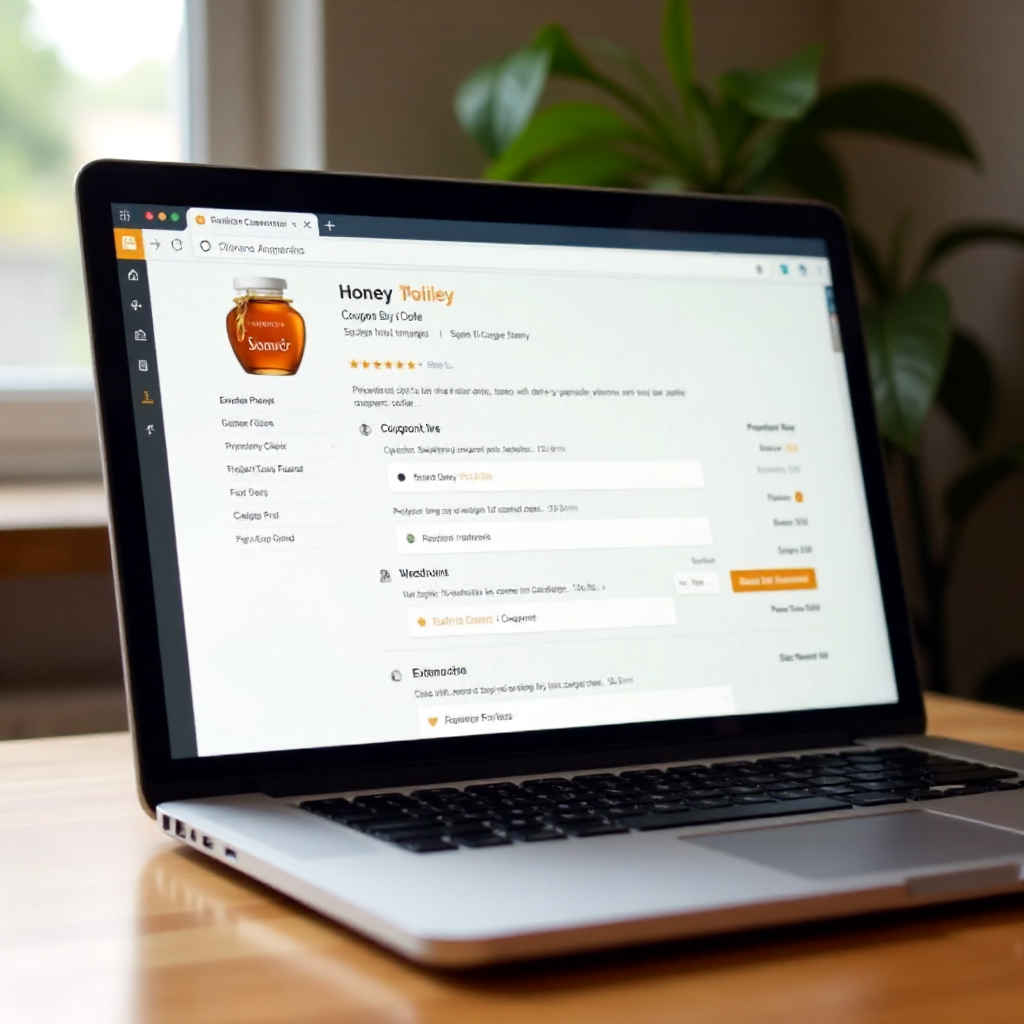
Browser extensions can look for and test available promo codes at a participating retailer’s checkout. They save time, but their results are not guaranteed, and you should review permissions and privacy practices before installing one.
When an extension is active, it may suggest codes or try several codes in the promo-code field. Watch what it changes: confirm the selected offer, eligible items, shipping method, and final total yourself. An extension can miss a better retailer-owned offer or apply a code that is weaker than an automatic sale price.
Before installing, review the extension’s publisher, recent user feedback, requested browser permissions, and privacy policy. Consider whether the permissions make sense for its function. An extension that needs broad access to browsing activity deserves more scrutiny than one with narrowly explained permissions. Install from the browser’s official extension store, keep it updated, and remove it if you no longer use it.
Use extensions as search assistants, not decision-makers. Do not let an extension complete a purchase automatically. The retailer’s checkout page is the final authority on whether a code applies and what you will pay.
Verify Codes at Checkout
To verify a promo code, enter it on the retailer’s checkout page and check the updated order summary before paying. Confirm that the discount applies to the right items and that fees, shipping, and other conditions do not erase the savings.
Use this quick check for each code:
- Eligible items: Does the discount apply to the products in your cart, or are certain brands, sale items, or categories excluded?
- Minimum spend: Does your eligible merchandise total meet the required amount before tax and shipping?
- Account or channel: Must you be signed in, use the app, or place a first order?
- Discount amount: Did the subtotal change by the advertised amount or percentage?
- Other conditions: Are shipping charges, taxes, delivery speed, or returns affected?
Read the message beside the promo-code field if a code fails. “Not valid for these items” points to an exclusion, while “minimum purchase not met” indicates a threshold issue. Check whether the code has expired, has already been used, or is restricted to a particular region or customer group.
Compare the final total with the price you would pay using the retailer’s automatic discount or sale. A 15% code is not necessarily better if it removes a larger sale reduction or does not cover shipping. Do not pay until the order summary shows the price you expect.
Combine Offers Within Retailer Rules
Whether you can combine a promo code with another offer depends on the retailer’s stacking rules. Check the promotion terms and test eligible combinations in the cart, because many retailers allow only one code or limit how rewards and sale prices interact.
“Stacking” can mean combining different kinds of savings, such as a promo code, sale price, loyalty points, cashback, or a free-shipping offer. A retailer may allow a code with a sale item but prohibit two promo codes on one order. Some loyalty rewards apply after a discount; others cannot be used with promotional pricing.
Compare options one at a time:
- Record the total with the automatic sale and no code.
- Apply the strongest relevant promo code and check the revised total.
- Test eligible loyalty rewards or shipping offers separately.
- Choose the permitted combination with the lowest final cost, including delivery charges.
Do not split an order just to use multiple codes until you compare the extra shipping, possible minimum-spend changes, and return implications. A code that saves a few dollars may cost more if splitting the cart creates another delivery fee. Retailer rules vary, so the terms and checkout total matter more than a general stacking tip.
Frequently Asked Questions
Why does a promo code fail at checkout?
A promo code may fail because it expired, excludes an item in your cart, requires a minimum spend, or is limited to a specific account, location, or purchase channel. Check the error message and the retailer’s terms, then remove excluded items or try an eligible offer.
Can I use more than one promo code?
Sometimes, but many retailers limit an order to one promo code. Some permit a code alongside a loyalty reward or automatic sale. Review the retailer’s stacking rules and compare the checkout total for each allowed combination.
Are browser extensions safe to use?
Some are useful, but safety depends on the publisher, permissions, and handling of browsing data. Install only from an official browser store, read the privacy information, and avoid extensions that request access they do not clearly need.
How can I tell whether a code is expired or legitimate?
Look for a current source and clearly stated terms, then test the code on the retailer’s own checkout page. A third-party listing or user report can help you decide what to try, but only the checkout result confirms whether the code works for your order.